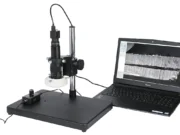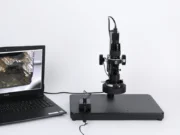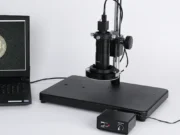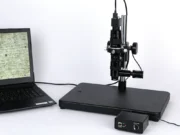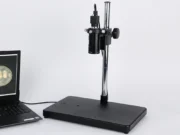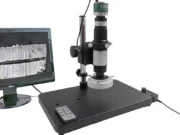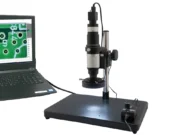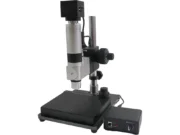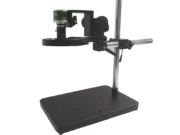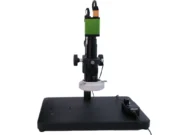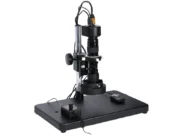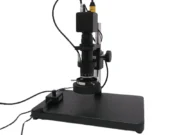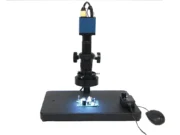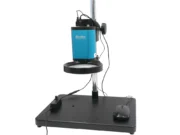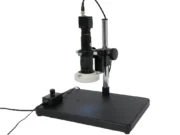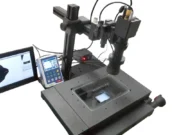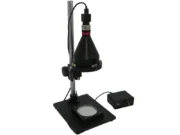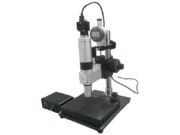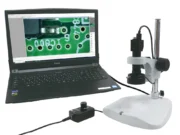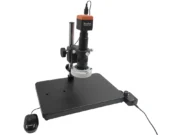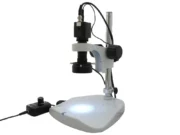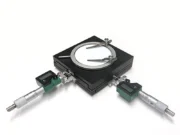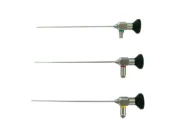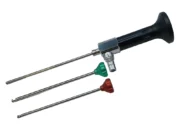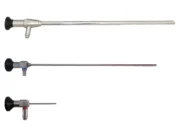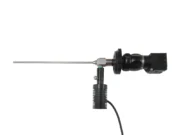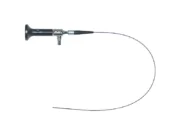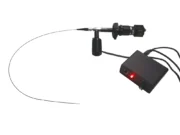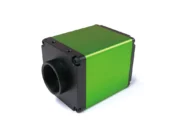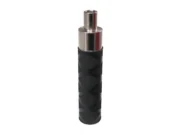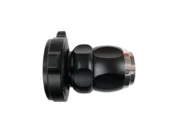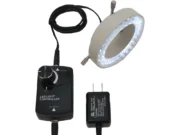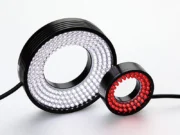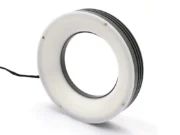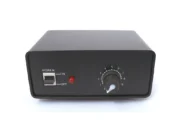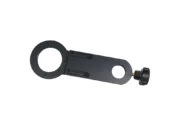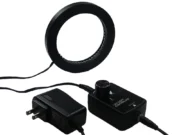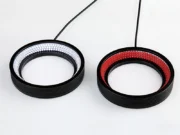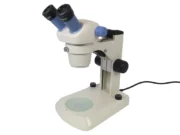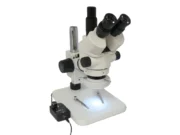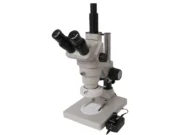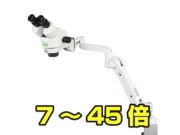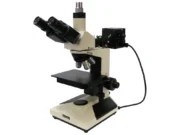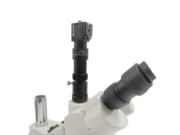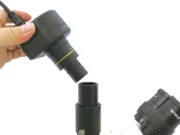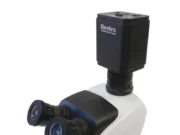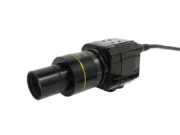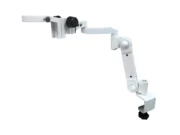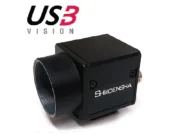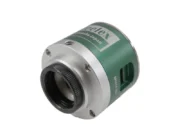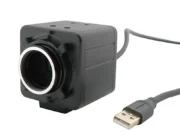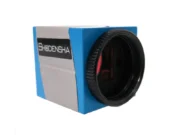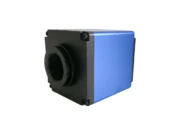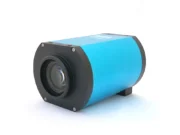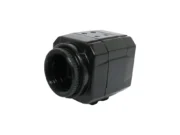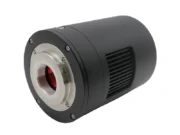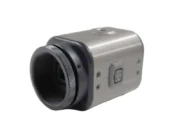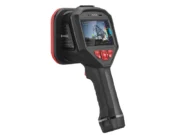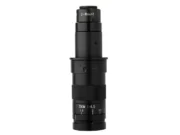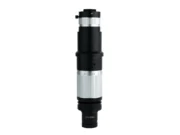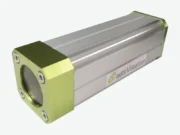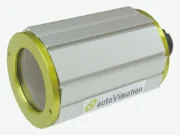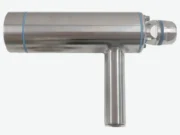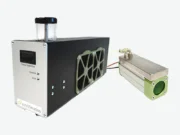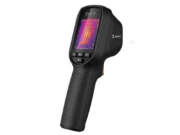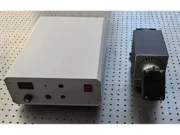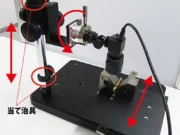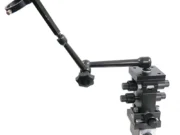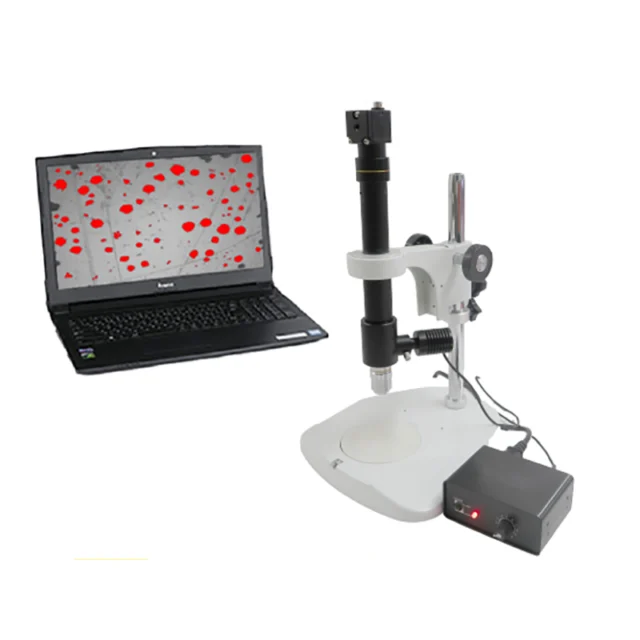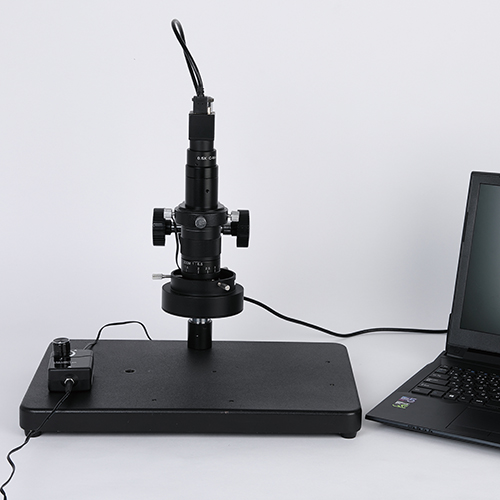
USB Microscope (Medium Magnification)
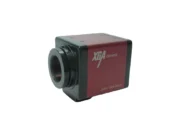
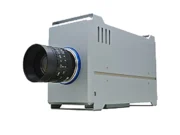
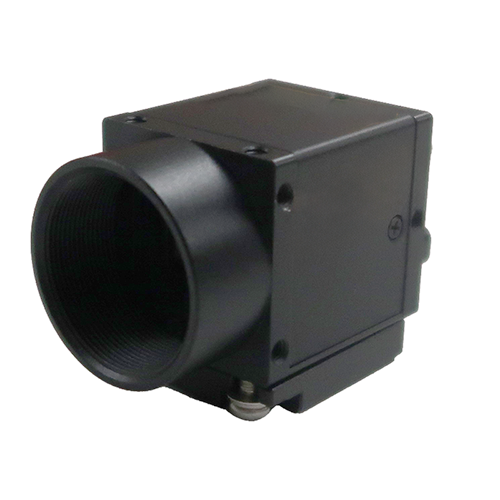
Polarizing microscope HTG500CS
¥ 281,000 + tax
- Free demo machine rental
- 20x-140x
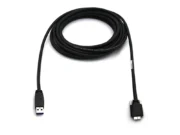
- USB3.0
- PL
観察時のピカッ・ギラッとする反射を大幅軽減できます。
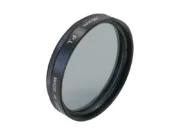
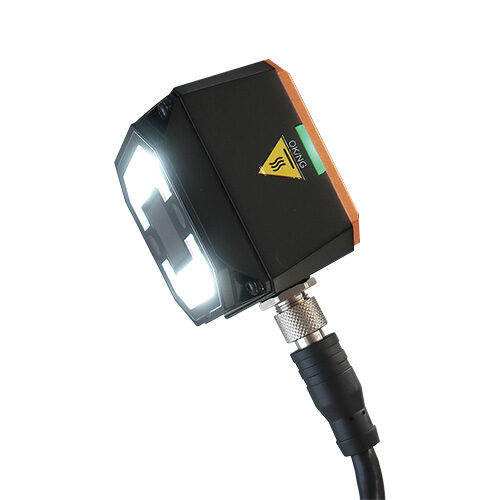
●レンズ先端、LEDリング照明に偏光フィルターをつけ、Wフィルターでハレーションを大幅に軽減
●倍率30倍-140倍
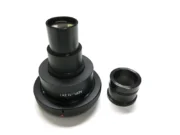
●オプションの0.5倍補助レンズを使用すれば倍率15倍-70倍
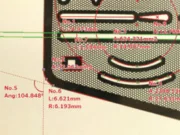
●2点間距離の測定ができる簡易計測ソフトが標準装備
※計測にはスケールを使用した校正作業が必要です。
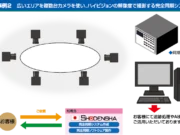
●計測・焦点合成・自動外観検査・画像連結ソフトなど豊富なソフトウェアを取り揃え
●お客様のご希望に合わせ、ソフトウェア開発も可能
Product Features
Significantly reduce halation with the dual-filter system!!
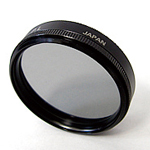
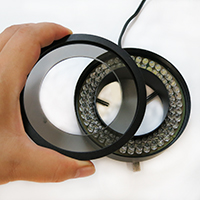
By attaching polarizing filters to both the lens tip and the LED ring light, the light can be polarized (imparting a specific directional orientation and eliminating reflections), thereby reducing surface reflections and halation in the observed image.
*Please refer herefor a detailed explanation of polarized light observation.
(A site specializing in microscopes will open. In Japanese language)
Polarizing microscope HTG500CS Comparison image
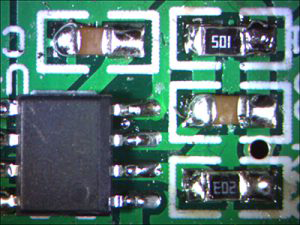
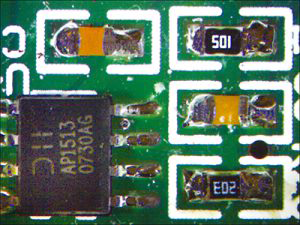
<基板上のハンダや金属端子の場合>
使ったマイクロスコープ
偏光マイクロスコープ
LEDリング照明を使用し観察すると(左の写真)ハンダ部や金属端子部で表面反射やハレーションが起こり観察することが困難です。
偏光マイクロスコープで観察すると(右の写真)、Wフィルターによって表面反射やハレーションを大幅に軽減できます。
<ビニールの表面>

使ったマイクロスコープ

偏光マイクロスコープ
LEDリング照明を使用し観察すると(左の写真)、ビニールの表面部でハレーションが起こり観察することが困難です。
偏光マイクロスコープで観察すると(右の写真)、Wフィルターによって表面反射やハレーションを大幅に軽減され、模様のエッジ部分まで観察できるようになりました。
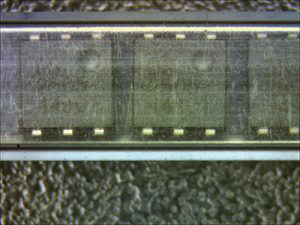
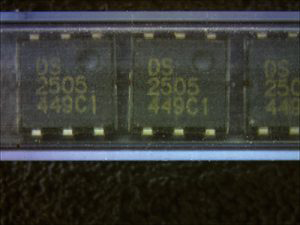
<保存スティック内のICチップ>
使ったマイクロスコープ
偏光マイクロスコープ
偏光マイクロスコープで観察すると通常のLEDリング照明で観察した左の写真では見えなかった、
保存スティック内のICチップ上の印字や足番号認識のためのくぼみが確認できるようになりました。
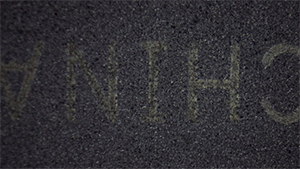
<ICの印字>
使ったマイクロスコープ

偏光マイクロスコープ
<半田部>
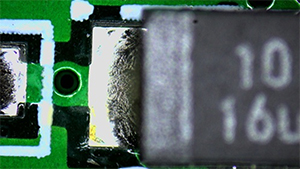
使ったマイクロスコープ
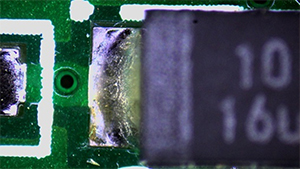
偏光マイクロスコープ
<反射率の高い部分と低い部分が混在する対象物>
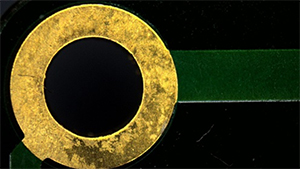
使ったマイクロスコープ
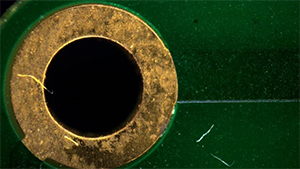
偏光マイクロスコープ
<フィルム上の印刷フィルム上の印刷>

使ったマイクロスコープ

偏光マイクロスコープ
<白い樹脂の凸文字(エンボス部)>
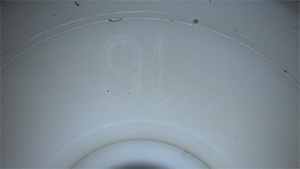
使ったマイクロスコープ
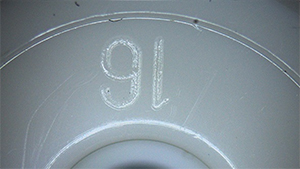
偏光マイクロスコープ
Camera installation instructions (opens YouTube video)
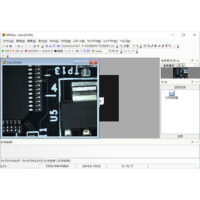
標準装備ソフトのご紹介(無償版)
標準装備の簡易計測ソフトの機能
- 静止画の保存
- 2点間距離測定
- スケール表示
- クロスライン・グリッドライン表示
- フィットイン機能、デジタルズーム機能
- 対応OS:Windows 10、11(64bit)
- *標準付属ソフトウェアは機能制限版です
- 2点間距離以外の測定や焦点合成機能が必要な場合は
オプション計測ソフトをお求めください。
*校正用ガラススケールはオプションです。
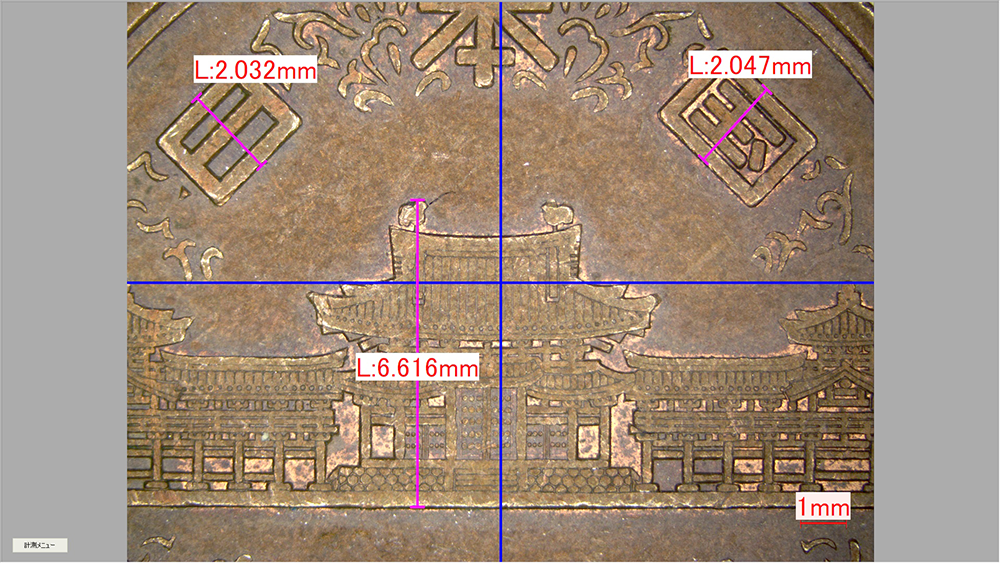
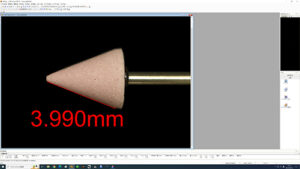
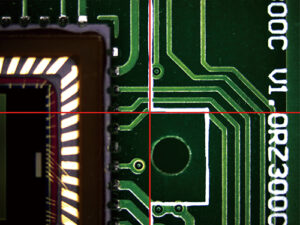
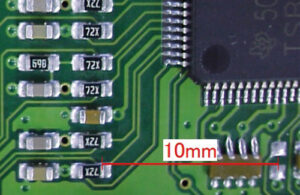
この無償版の計測ソフトは・・・

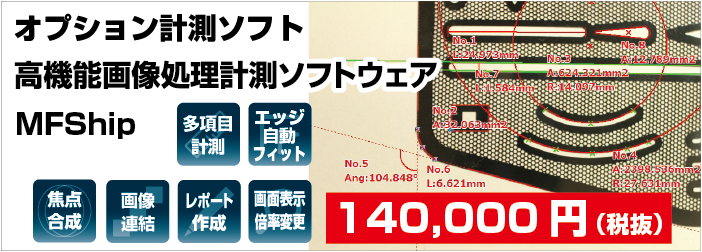
●主な違いを表にまとめてあります。必要な機能に合わせてお選びください
| MFShip(無償版) | MFShip(有償版) | |
| 2点間距離 | ○ | ○ |
| 多機能計測 | × | ○ |
| エッジ自動フィット機能 | × | ○ |
| フォーカス合成機能 | × | ○ |
| HDR合成機能 | × | ○ |
| 画像連結機能 | × | ○ |
| Excel 出力 | ○ | ○ |
| 画像データのサムネイル表示 | ○ | ○ |
| 画面表示倍率変更 | ○ | ○ |
| クロスライン表示 | ○ | ○ |
| 格子目盛表示 | ○ | ○ |
| 対応OS | Windows 10、11(64bit) | Windows 10、11(64bit) |
目玉のくるっと合成も可能!
Specification
General Specifications
| Total Magnificatioin | 20x–140x *Magnification calculated based on a 17-inch monitor. |
|---|---|
| Working Distance | 100 mm *Remains almost constant regardless of magnification. |
| Field of view | 16mm×12.0mm (at 20x) |
| 2.7mm×2.0mm (at 120x) | |
| Image sensor | 1/2.5”CMOS |
| Pixel | 5.0 megapixel |
| Pixel size | 2.2μm×2.2μm |
| Resolutions (Frame rates*) | Full resolution: 2592 × 1944 (18 fps) *Actual frame rate depends on PC performance and settings. |
Operating environment
| Supported OS | Windows 10 、11 |
|---|---|
| CPU | Intel core i5 or higher |
| Memory | 8GB or more |
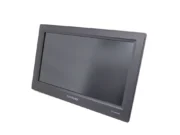
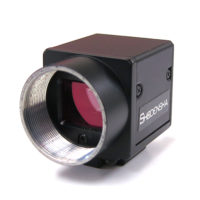
Standard equipment
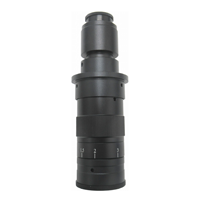
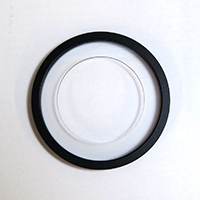
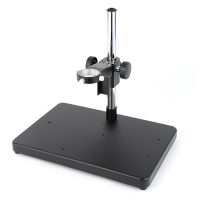
Download
Dimension drawing
-
(pdf/61 KB)
-
(zip/1 MB)
-
(pdf/60 KB)
-
(zip/214 KB)
-
(pdf/75 KB)
-
(zip/464 KB)
-
(pdf/73 KB)
-
(zip/2 MB)
Driver
-
(zip/278 MB)
Software Applications
-
(zip/180 MB)
This cannot be used in a 32-bit environment.
If the paid-version USB key is not inserted, the software will launch with limited functionality.
Instruction manual and others
-
(pdf/513 KB)
In Japanese
-
(pdf/548 KB)
In Japanese
-
Camera I/O Terminal Specifications
(pdf/590 KB)
In Japanese
よくある質問
Support
We support our customers
in solving their problems.
We also have a wide range of case studies and technical documents available.
Please feel free to contact us with any questions
or requests you may have about our products.



Contact by phone
- Technical Support
-
Mobile phones, PHS, and some IP phones
06-6364-5630 - Request for Demo machine, quotation, etc.
-
Mobile phones, PHS, and some IP phones
06-6364-3000