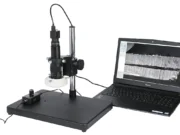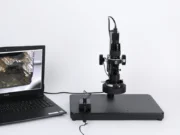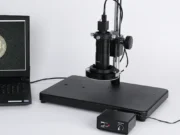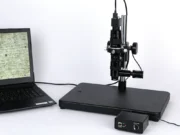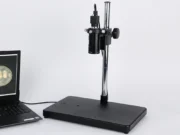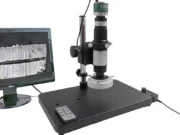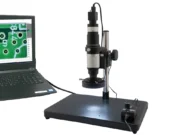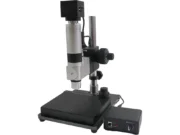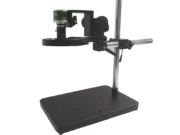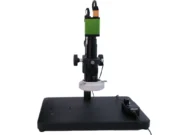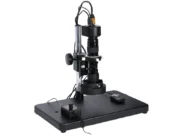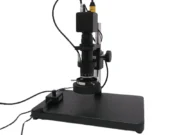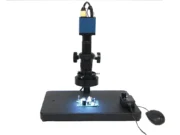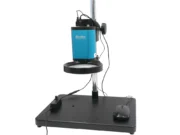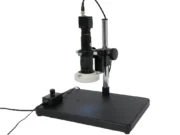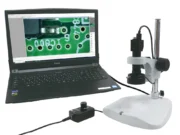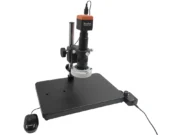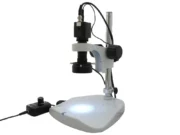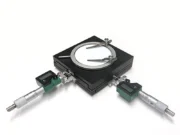
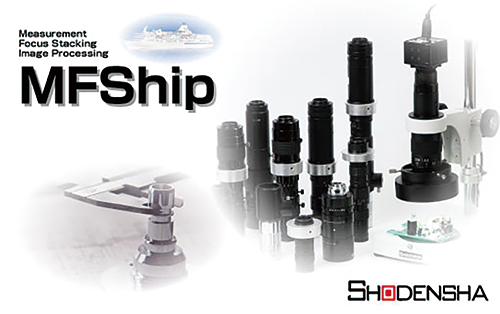
Measurement software
計測・フォーカス合成ソフトウェア MFShip
¥ 140,000 + tax
- Free demo machine rental
画像連結に加え、多彩な計測機能・焦点合成
またマイクロスコープだけでなく顕微鏡での観察画像の
フォーカス合成が可能になったソフトウェア
●計測アシスト(エッジ自動フィット)機能
●ピンポイントデジタルズーム機能
●お手軽!くるっとフォーカス合成機能
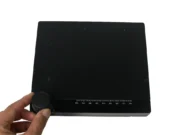
●校正用ガラススケール(GS-4SQ)が標準付属
●タイリング機能
●日本語・英語対応
製品の特長
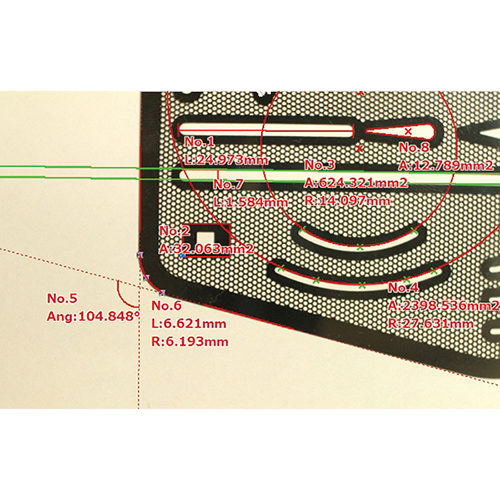
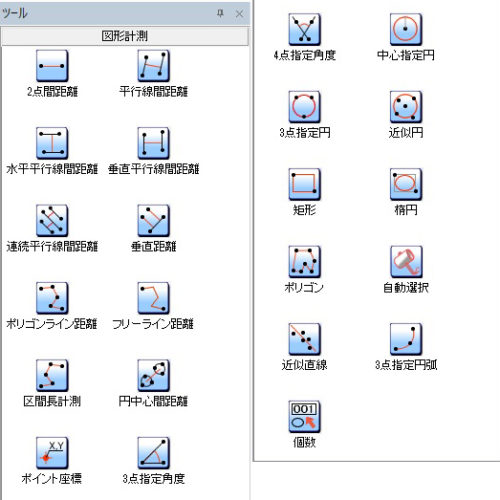
Extensive dimensional measurement tools and measurement assistance functions
Extensive measurement parameters
● Distance between two points
● Distance between parallel lines
● Horizontal distance between parallel lines
● Vertical distance between parallel lines
● Vertical distance
● Distance between circle centers
● Point coordinates
● Angle defined by three points
● Angle defined by four points
● Circle defined by three points
● Best-fit circle
● Rectangle
● Ellipse
● Best-fit line
● Arc defined by three points
etc.
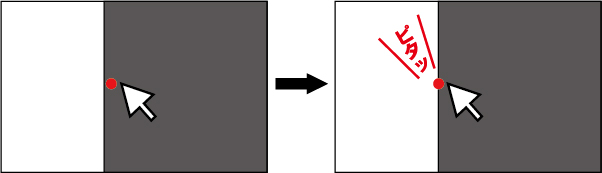
Edge Auto-Fit Function
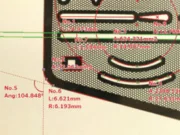
When you move the mouse cursor near the line to be measured, it automatically snaps to the edge.
This reduces human error on the part of the operator, enabling accurate measurement.
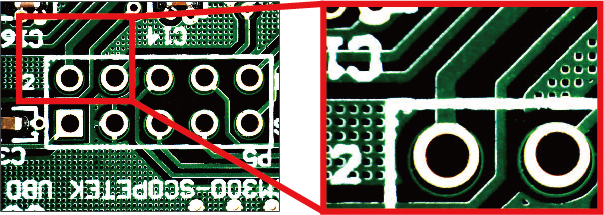
Pinpoint digital zoom function
When clicking a measurement point by rotating the mouse wheel, you can digitally zoom in on the area centered at the mouse cursor’s position.
This further reduces human error on the part of the operator.
Scale display
You can display the scale at your desired location and in your preferred size.
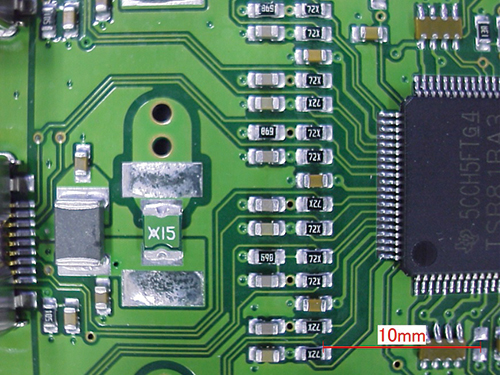
Other features
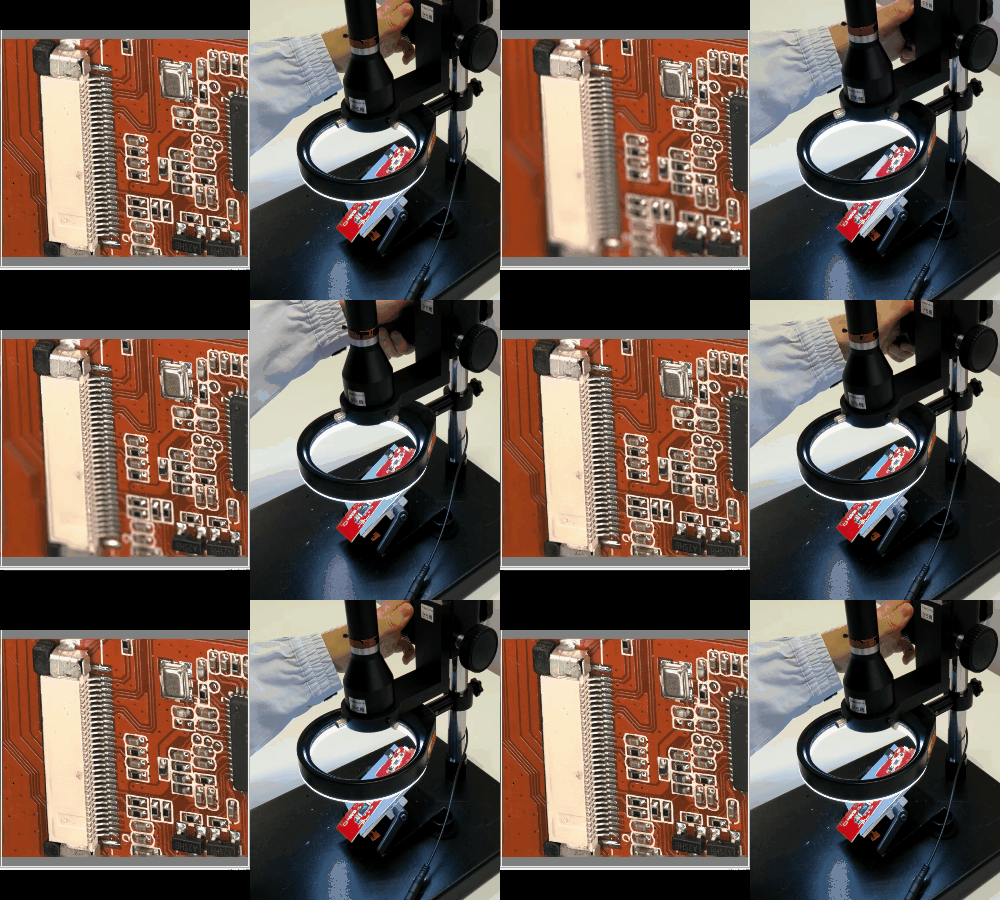
Quick Composite (enables easy focus stacking by manually turning the focus adjustment handle—coarse adjustment knob)
It comes standard with a “Quick Composite” function that performs focus stacking while you turn the focus adjustment knob (coarse adjustment) of the stereo microscope or digital microscope.
This allows you to easily create a focus-stacked image when the subject has significant height, preventing the blurriness that would occur in a single shot.
Equipped with an automatic image alignment function, it enables focus stacking for images captured with a stereo microscope—a process that is typically difficult to achieve.
Brightness compositing
Depending on the subject, both dark and bright areas may appear in the same image; adjusting the exposure for one often results in the other becoming either too dark or too bright.
This brightness compositing feature offers an instant solution to that problem!
You can easily create a composite image by simply adjusting the brightness to ensure the dark areas are clearly visible, then pressing the composite button to correct the exposure of the overly bright areas.
Report Creation
Transfer measurement data to Excel with a single click of the Excel output button.
This makes it easy to process data and create graphs in Excel.
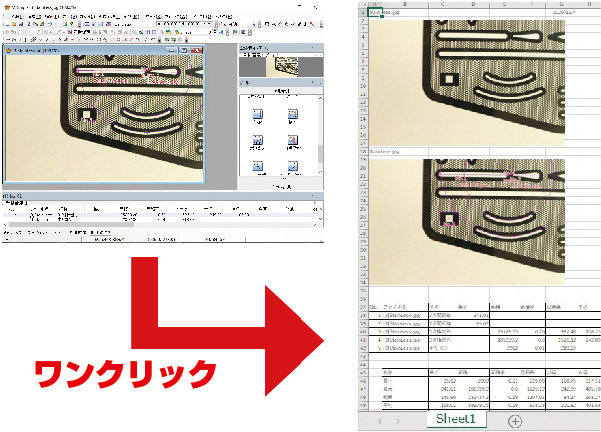
Image stitching function (tiling function)
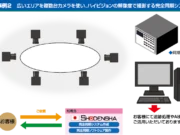
It features an image stitching function (tiling function) that generates wide-field, high-resolution images by capturing multiple overlapping segments of an object—which exceeds the single field of view of the digital microscope—and merging them together.
This enables wide-area observation and analysis while maintaining high precision when working with magnified images.

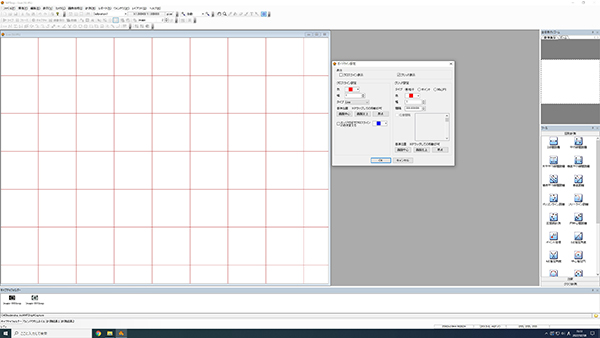
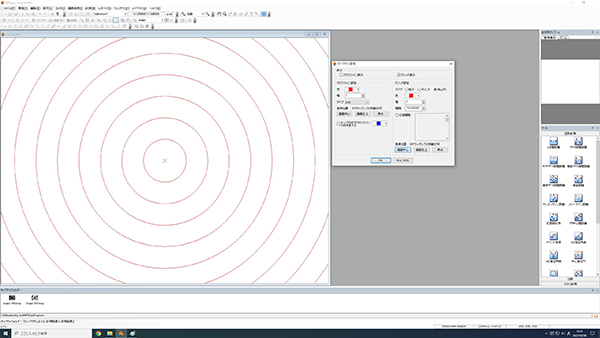
Function for generating arbitrary crosslines, grid lines, and concentric circles.
You can display crosshairs, grid lines, and concentric circles at any desired position. It is also possible to change the line color and thickness.
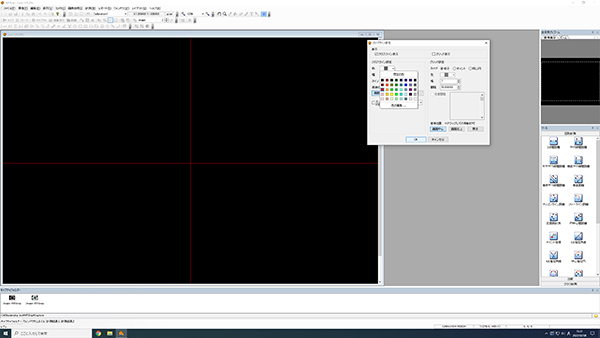
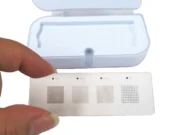
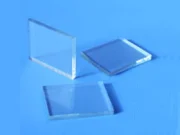
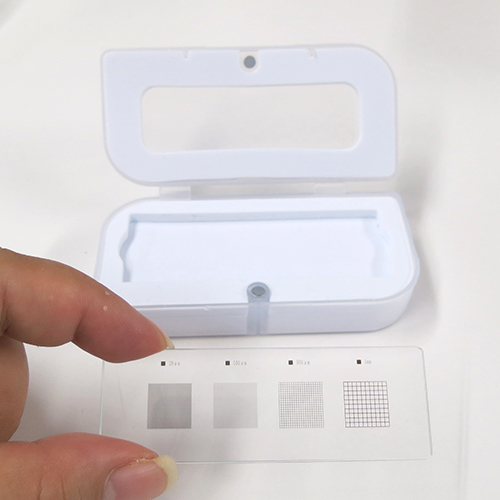
A glass calibration scale is included as standard, featuring four scale types with increments of 20 µm, 100 µm, 500 µm, and 1 mm.
仕様
動作環境
| 対応OS | Windows 10、11(64bit) |
|---|---|
| CPU | Core-i5相当 または 2.0GHz以上 |
| メモリ | 8GB以上(64bit) |
| ディスプレイ | フルカラー1280×1024以上 |
| インターフェイス | USB2.0以上 1ポート |
計測・フォーカス合成ソフトウェア(MFShip)とMFShip機能制限版との比較
・主な違いを表にまとめてあります。必要な機能に合わせてお選びください
| MFShip | MFShip(※機能制限版) | WinROOF 2023 Lite | WinROOF 2023 Standard | |
| 2点間距離 | 〇 | 〇 | 〇 | 〇 |
| 多機能計測 | 〇 | × | 〇 | 〇 |
| エッジ自動フィット機能 | 〇 | × | 〇 | 〇 |
| フォーカス合成機能 | 〇 | × | 〇 | 〇 |
| ハレーション除去機能 | 〇 | × | 〇 | 〇 |
| HDR合成機能 | 〇 | × | 〇 | 〇 |
| 画像連結機能 | 〇 | × | 〇 | 〇 |
| Excel 出力 | 〇 | 〇 | 〇 | 〇 |
| 画像データの サムネイル表示 | 〇 | 〇 | 〇 | 〇 |
| 画面表示倍率変更 | 〇 | 〇 | 〇 | 〇 |
| クロスライン表示 | 〇 | 〇 | 〇 | 〇 |
| 格子目盛表示 | 〇 | 〇 | 〇 | 〇 |
| 図形間計測 | × | × | 〇 | 〇 |
| 粒子計測 | × | × | × | 〇 |
| 統計処理 | × | × | × | 〇 |
| フィルタ処理 | × | × | × | 〇 |
| 自動処理ツール | × | × | × | 〇 |
| 対応OS | Windows 10、11(64bit) | Windows 10、11(64bit) | Windows 10、11(64bit) | Windows 10、11(64bit) |
よくある質問
●広い範囲を観察しながら、気になるポイントを高精度に測る方法
Support
We support our customers
in solving their problems.
We also have a wide range of case studies and technical documents available.
Please feel free to contact us with any questions
or requests you may have about our products.



Contact by phone
- Technical Support
-
Mobile phones, PHS, and some IP phones
06-6364-5630 - Request for Demo machine, quotation, etc.
-
Mobile phones, PHS, and some IP phones
06-6364-3000