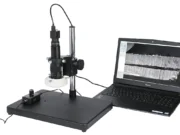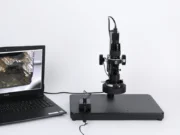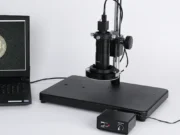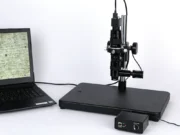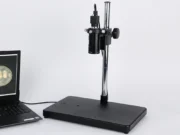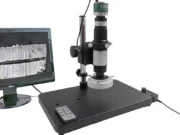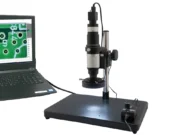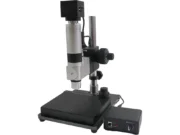
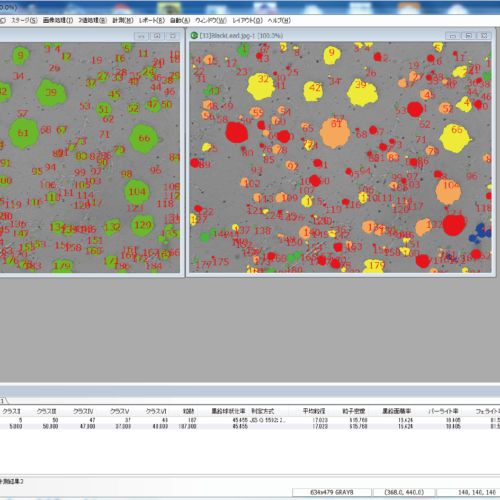
Image processing software
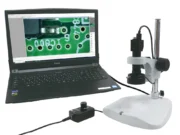
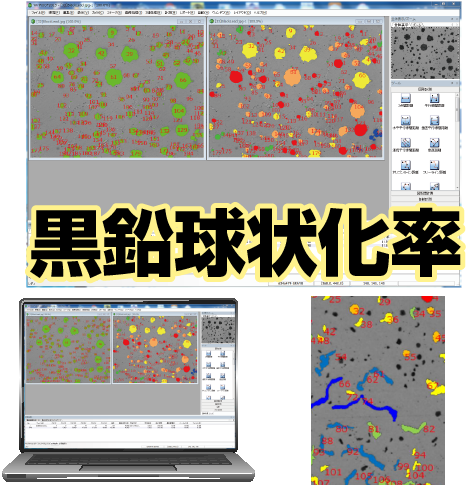
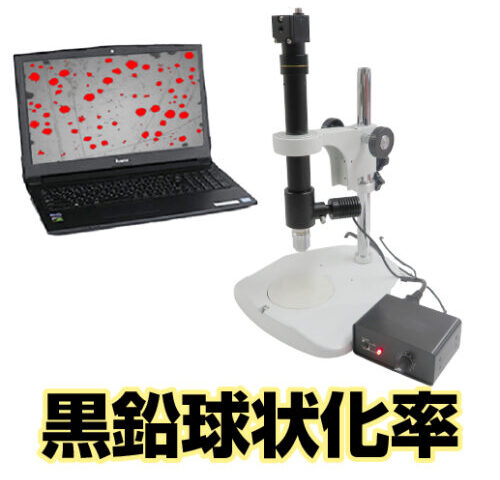
黒鉛球状化率測定ソフト(計測機能付き)
¥ 398,000 + tax
- Free demo machine rental
球状黒鉛鋳鉄・CV黒鉛鋳鉄の新・旧JIS法対応!
●ISO規格、JIS規格対応の球状黒鉛鋳鉄・CV黒鉛鋳鉄の測定機能搭載
●ワンボタンお手軽レポート作成
●パーライト・フェライト面積率の同時測定
●黒鉛球状化率だけでなく、WinROOF Liteの高機能計測も搭載して、寸法計測も可能
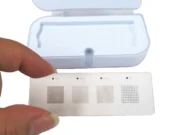
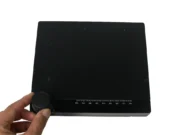
●ガラススケール(GS-4SQ)標準装備
三谷商事社製
※ノートPCは付属しません。
製品の特長
対応規格(黒鉛球状化率)
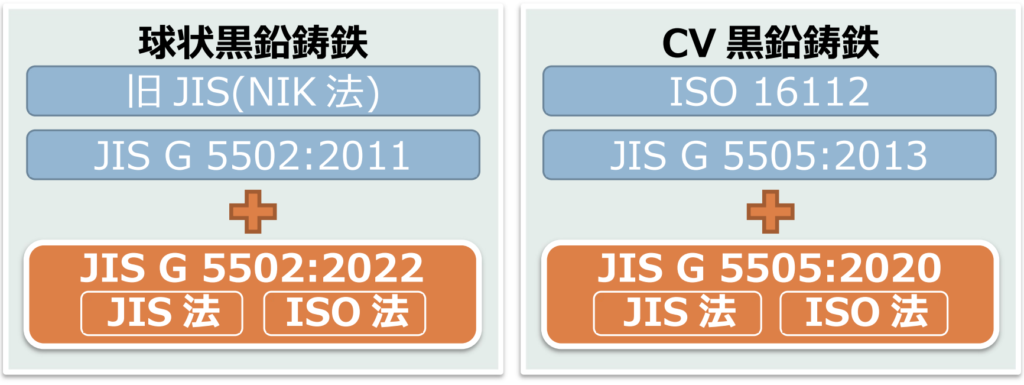
- JIS法(JIS G 5502,JIS G 5503)、旧JIS法(NIK法)に対応した球状黒鉛鋳鉄(ダクタイル鋳鉄)の黒鉛球状化率測定
- CV黒鉛鋳鉄(Compacted Vermicular Graphite Cast Iron)の 国際規格・ISO16112に対応した黒鉛球状化率測定が可能
- 2013年4月に制定されたJIS規格(JISG5505:2013CV黒鉛鋳鉄品)にも対応
- 新JIS法(JIS G 5502 2022年版)に対応
- CV黒鉛鋳鉄(JIS G5505 2020年版)に対応
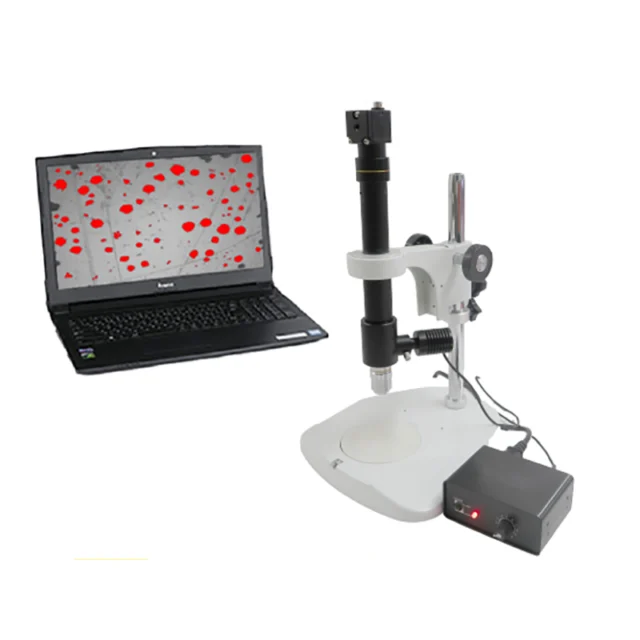
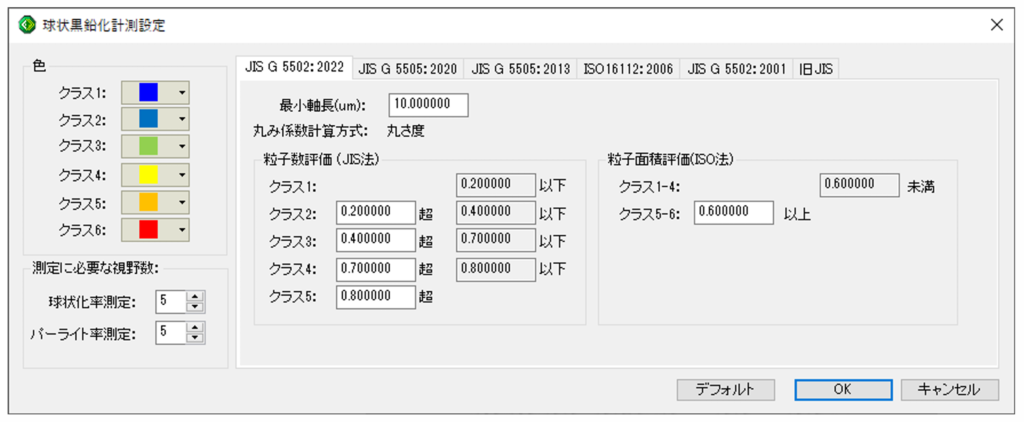
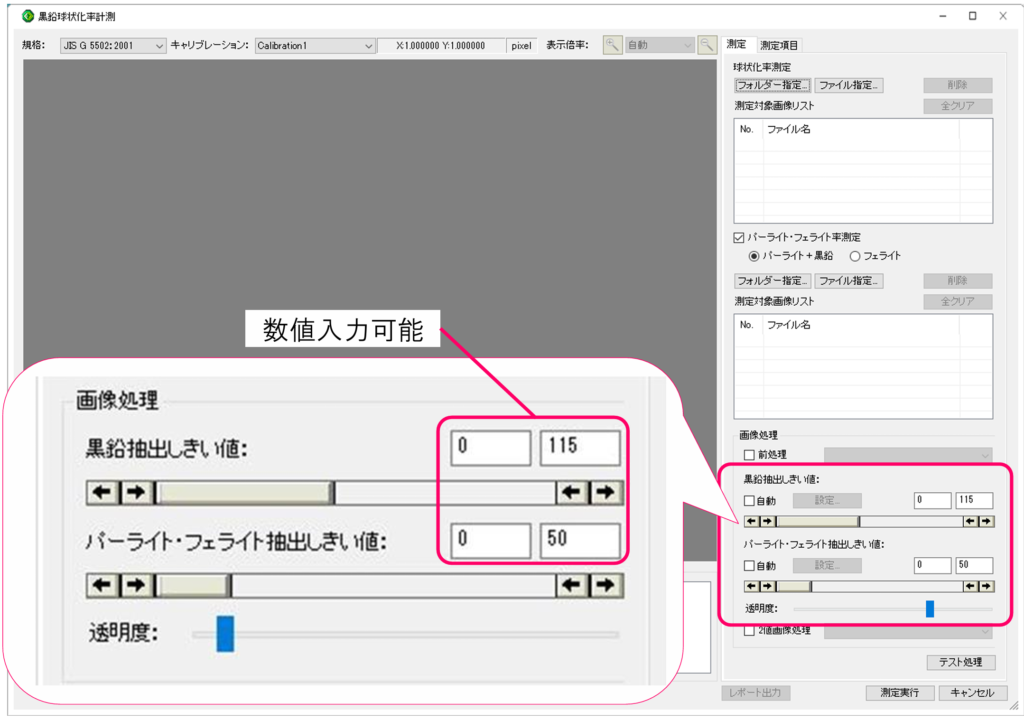
色で見える!黒鉛球状化率の直感的で効率的な分析
黒鉛球状化率計測を行う際に規格の設定や、クラス分けの表示色の設定が可能
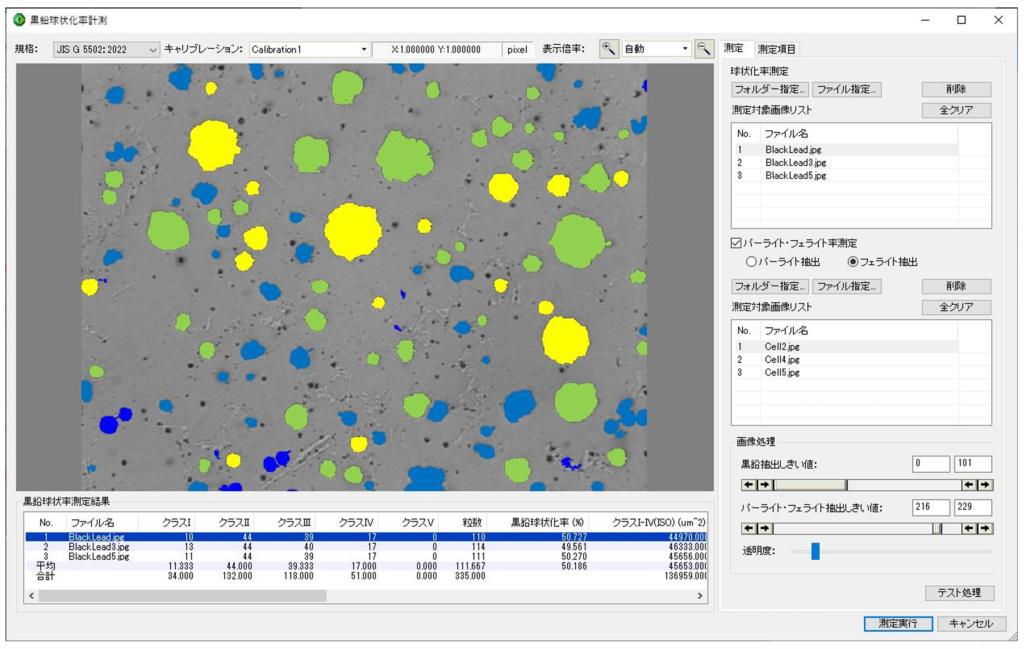
パーライト・フェライト率の同時測定
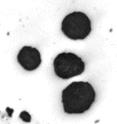
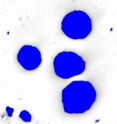
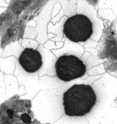
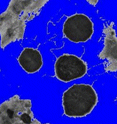
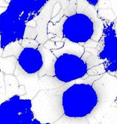
パーライト面積率測定時、黒鉛を含みますが、結果を算出するときに黒鉛の面積を除きます。
『自動操作』機能による連続測定
「自動操作」機能により最大5視野分の測定を連続的に実行できます。
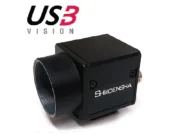
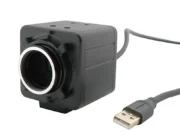
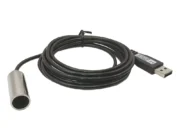
当社指定USBカメラによる撮影の場合は、撮影箇所を決定すると測定が即実行されます。
画像ファイルの読み込みも対応
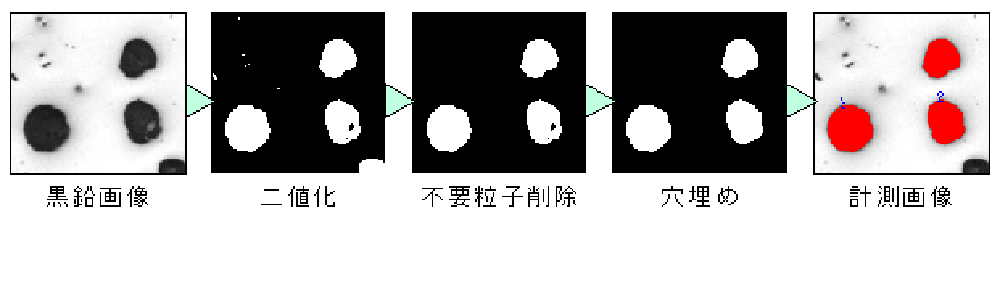
測定の利便性向上・タクト短縮に有用な機能を数多く搭載
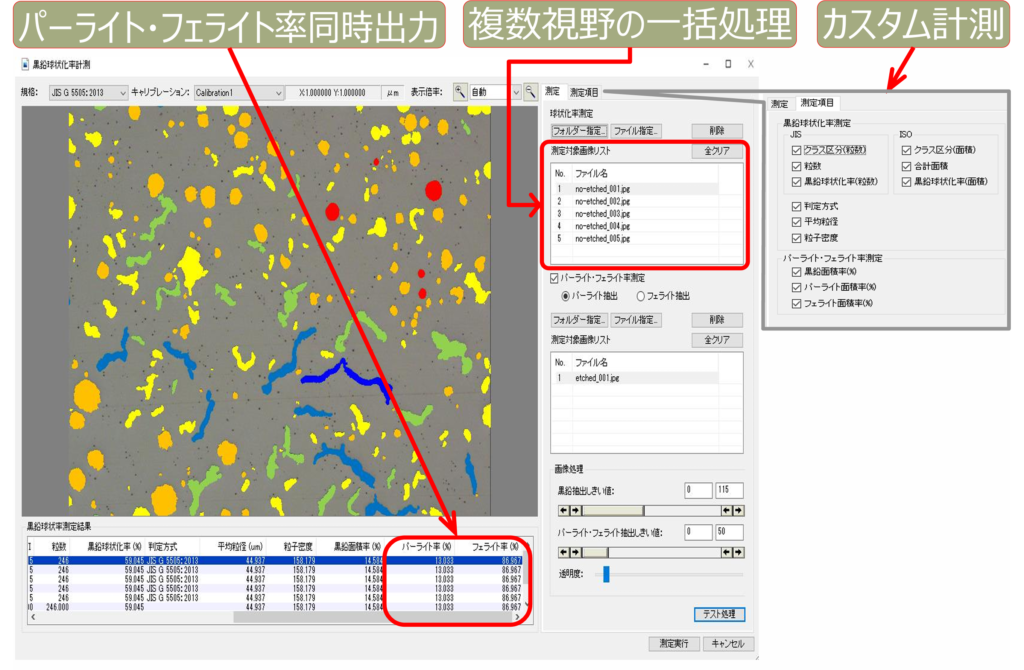
ワンボタンレポート作成機能の出力データをお好みに編集可能
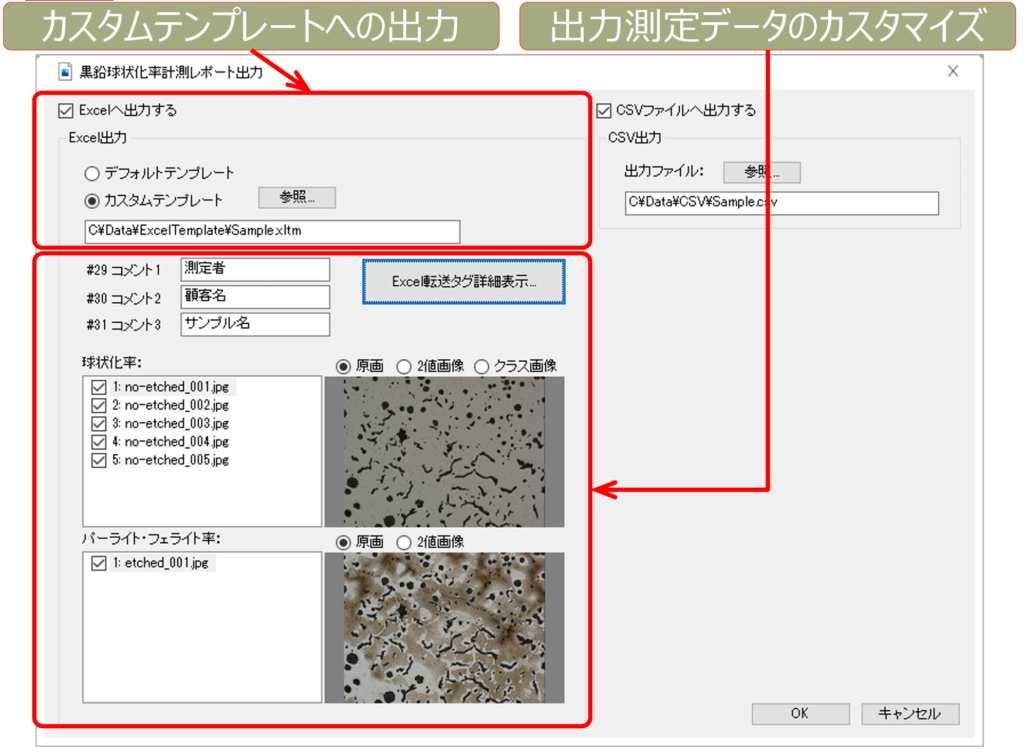

直感で操作可能な画像処理機能で2値化可能
高機能計測
WinROOF 2023 Liteは、e-Tiling画像連結機能に加え、多彩な計測、マイクロスコープだけでなく実体顕微鏡での観察画像のフォーカス合成(焦点合成)機能が付属した、高機能画像処理・画像解析ソフトウェアです。
高機能画像処理・画像解析ソフト WinROOF 2023 Liteの特長
縦横(枚数に制限なし)に複数撮影した画像を連結し、連結画像の生成が可能。
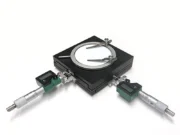
手動でステージを動かし、撮影しながらの画像連結
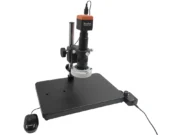
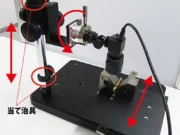
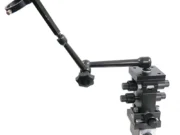
手動で上下ピント調整ハンドル(粗動アングル)を回しながらフォーカス合成が可能
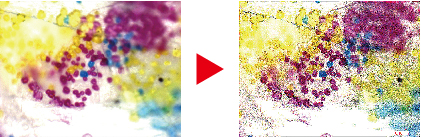
凹凸のある対象物は通常一方にしか焦点が合いません。焦点を合わせた画像を複数撮影し、その画像を1枚の画像にする合成機能が搭載
Useful Features of WinROOF 2023 Lite
Feature 1. Focus stacking (allows for focus compositing while manually turning the vertical focus adjustment knob—coarse adjustment).
Features a standard focus stacking function that operates while turning the vertical focus adjustment knob (coarse adjustment) of the stereo microscope and digital microscope.
You can easily create a focus-stacked image in situations where a single shot would result in a blurred image due to the subject’s height.
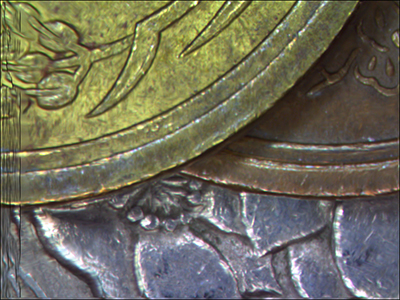
【Focus Stacking (Stereo microscope) – Reference video】
【Focus Stacking (Microscope) – Reference video】
Feature 2. Focus stacking (a compositing function that captures multiple images with different points of focus and combines them into a single image)
It features a function (focus stacking) that generates an all-in-focus image—with the entire image in focus—by combining multiple images taken at different focal points. This is particularly effective for objects with uneven surfaces, eliminating the need to manually arrange and compare multiple individual images.
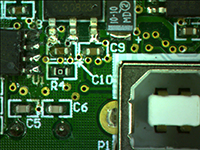
【Image Stitching – Reference video 3】
Feature 3. Wide range of measurement parameters
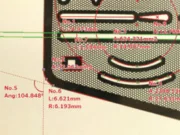
- 2Distance between two points
- Distance between parallel lines
- Distance between horizontal parallel lines
- Distance between vertical parallel lines
- Distance between consecutive parallel lines
- Vertical distance
- Polygon line distance
- Segment length measurement
- Point coordinates
- Angle defined by 3 points
- Angle defined by 4 points
- Circle defined by center point
- 3-Point Circle
- Approximated Circle
- Rectangle
- Ellipse
- Polygon
- Auto-select
- Best-fit line
- Arc defined by 3 points
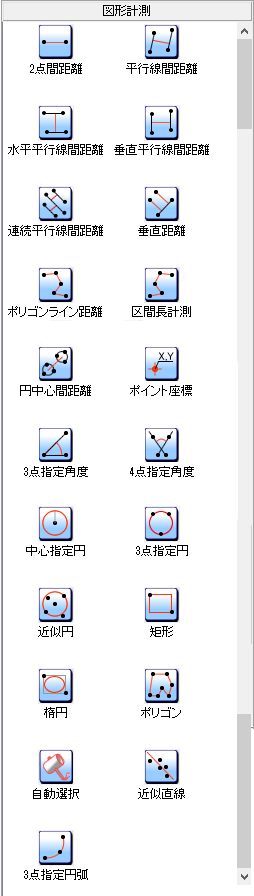
In addition, features such as text and arrow insertion, as well as exporting measured data to Excel, are included.
Feature4. Measurement Assist Function
When clicking a measurement point, the system displays an enlarged view of the area indicated by the mouse cursor.
It also features an automatic snap function that aligns the cursor with edges.
This minimizes human error associated with the operator, enabling accurate measurements.
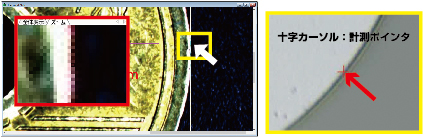
Feature 5. Image stitching function (tiling function)
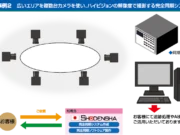
It is equipped with an image stitching function (tiling function) that generates wide-field, high-resolution images by capturing multiple split-screen images and combining them for objects that exceed the field of view of a single digital microscope image.
When using magnified images—such as those from Stereo microscopes—you can conduct observations and analyses over a wide area while maintaining accuracy.
- You can generate a combined image by stitching together multiple images captured in a grid layout (with no limit on the number of images).
- Generates uniform images from the overlap area using high-speed pattern recognition processing.
- You can specify the pattern matching location by clicking any point on the image.
- Automatic interpolation function that eliminates seams in images.
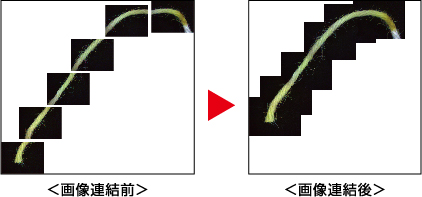
【Image Stitching – Reference video 1】
【Image Stitching – Reference video 1】
【Image Stitching – Reference video 1】
Feature 6.Filtering process
It also includes filter processing capabilities that utilize a variety of filters—such as functions to correct lens-induced aberrations, enhance image edges, and remove noise—to create images optimized for analysis.
Recommended for those who want to perform focus stacking on images captured with a stereo microscope!
It is very difficult to perform focus stacking on multiple images captured with a stereo microscope.
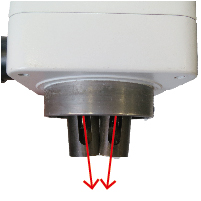
The objective lenses of a stereo microscope are angled slightly inward.
Therefore, when adjusting the focus using the coarse adjustment knob (vertical movement handle), the objective lens does not simply move up and down; a misalignment caused by the tilting of the optical axis also occurs.
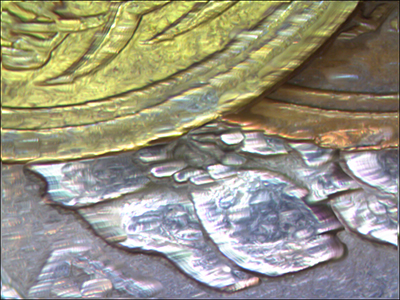
However, WinROOF 2023 Lite features an “automatic position correction function,” enabling observation and image capture with a greater sense of depth—leveraging the characteristics of a stereo microscope—as well as focus stacking.
仕様
動作環境
対応OS:Windows 10、11(64bit)
CPU:Core-i3相当 または 2.0GHz以上
メモリ:4GB以上(32bit), 8GB以上(64bit)
ディスプレイ:フルカラー1280×1024以上
インターフェイス:空きポート×1
関連製品
Support
We support our customers
in solving their problems.
We also have a wide range of case studies and technical documents available.
Please feel free to contact us with any questions
or requests you may have about our products.



Contact by phone
- Technical Support
-
Mobile phones, PHS, and some IP phones
06-6364-5630 - Request for Demo machine, quotation, etc.
-
Mobile phones, PHS, and some IP phones
06-6364-3000